
78
tonyreduce
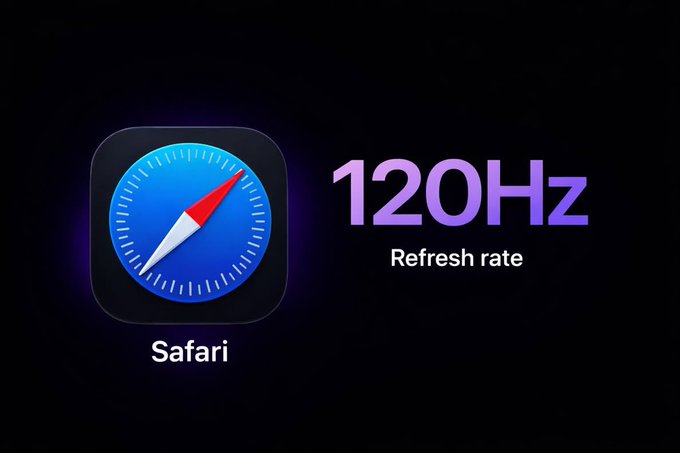
Safari is limited to 60fps by default across macOS, iOS, and iPadOS, even on 120Hz devices.
You can remove this limit by turning off “Prefer Page Rendering Updates near 60fps” under Settings → Apps → Safari → Advanced → Feature Flags.


You can remove this limit by turning off “Prefer Page Rendering Updates near 60fps” under Settings → Apps → Safari → Advanced → Feature Flags.

Exclusive deals, trending downloads, and rewards from verified FondPeace partners.
Follow top creators to personalize your feed and discover inspiring content.
Get paid directly by fans through tips, subscriptions, and branded sponsorship.
Learn MoreProtected & Verified Creator Network under 2026 Community Standards.